⌨️
Typing & Keyboarding
Keyboard familiarity, correct hand position, simple words, sentences, speed and accuracy.
Age-appropriate, practical computer and technology training for primary and secondary students, alongside digital capacity building for teachers.
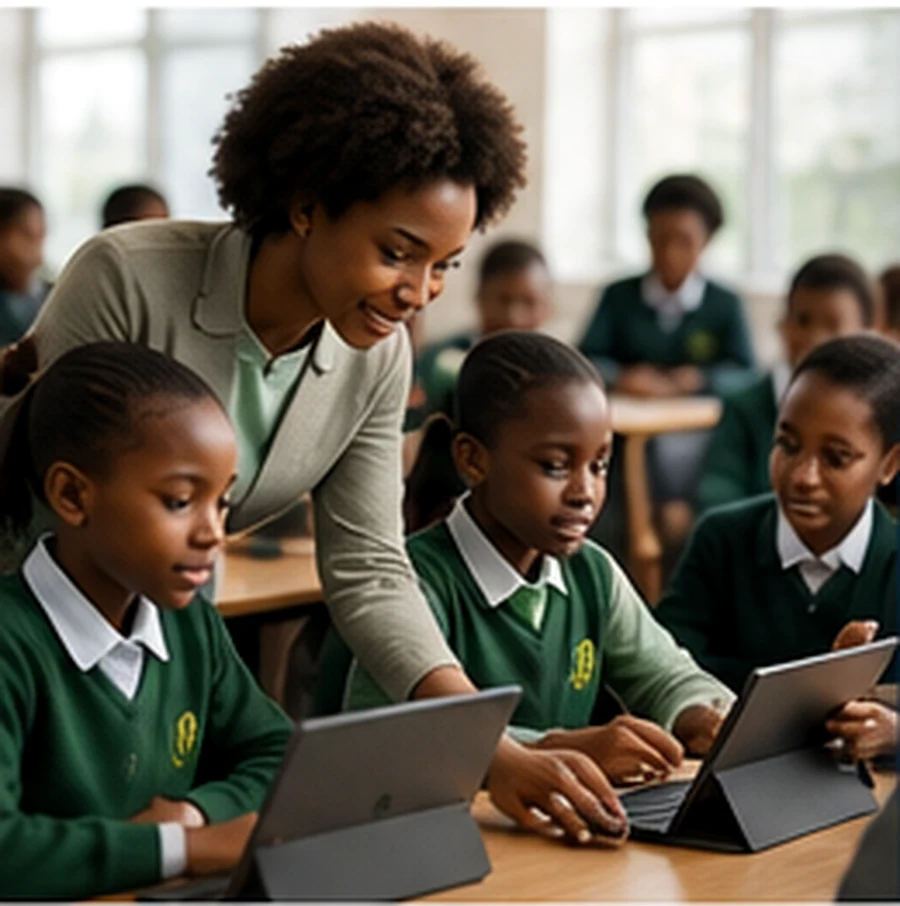
Our primary-school courses are practical, creative and designed around age-appropriate digital experiences.
Keyboard familiarity, correct hand position, simple words, sentences, speed and accuracy.
Parts of a computer, mouse control, files, software, safe startup and shutdown.
Digital drawing, colours, shapes, posters, greeting cards and simple Canva projects.
Sequencing, logic, Scratch Jr/Scratch, animations, stories and simple games.
Safe browsing, educational research, responsible technology use and digital citizenship.
Simple AI concepts, everyday examples, supervised learning tools and responsible use.
Students progress into Microsoft Office, coding, Python foundations, data, design, AI, cybersecurity, digital marketing, web concepts and career awareness.
Teacher programs cover productivity tools, digital lesson preparation, online classrooms, content creation, AI for teaching, cyber safety and data protection.
Computer basics and digital confidence.
Typing, productivity and creative tools.
Coding, internet skills and online safety.
AI, projects, revision and assessment.
Partner with TechPath Global Academy for practical training programs tailored to students, teachers, government workers, youths and corporate teams.